Speaker Bar
Your Sonos speakers, right in the Mac menu bar.
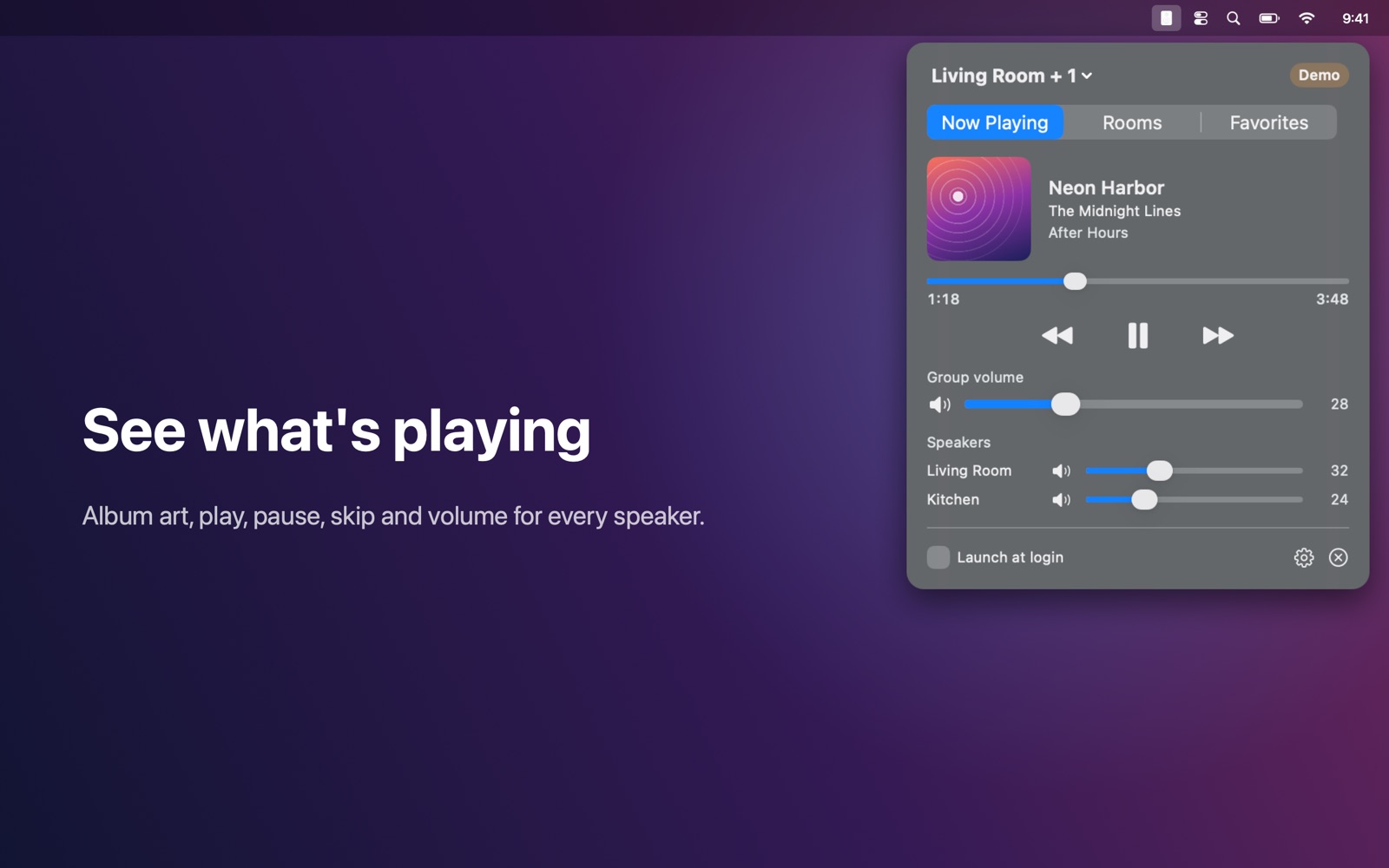
Control your Sonos speakers from the Mac menu bar.
Features
- See what's playing in every room, with album art
- Play, pause, skip and seek
- Group volume and the volume of each speaker, mute
- Group rooms together or take them out of a group with one click
- Start your Sonos favorites — radio stations, playlists, albums
- Finds your speakers automatically; works entirely on your local network: no account, no cloud, no tracking
Works with
Works with Sonos speakers on the same network as your Mac.
Support
Questions, a problem, or a feature request? Email tom@tomfranssen.nl. Please mention your macOS version and your device model, or use “Email support” in the app, which adds a diagnostics report without passwords or keys.
Common questions
The app doesn't find my speakers
Make sure your Mac and speakers are on the same network and that Speaker Bar is allowed under System Settings → Privacy & Security → Local Network. Speakers on a separate guest or IoT network can't be found.
Do I need a Sonos account?
No. Speaker Bar talks to the speakers directly on your local network. Your favorites are the ones you set up in the Sonos app.
How do I group rooms?
Open the Rooms tab, pick the room that plays the music, and tick the rooms you want to add under “Speakers in this group”. Untick a room to take it out again.
Why is there no artwork or track info?
Speaker Bar shows what the speaker reports. Some sources, such as a TV input or line-in, don't send track details or artwork.
Can I try it without speakers?
Yes. Without speakers on the network, choose “Try the demo”: a simulated household with five rooms shows every feature.
How do I send diagnostics?
Use “Copy diagnostics” or “Email support” in the app. The report contains no passwords or keys and only leaves your Mac when you paste or send it.