LED Bar
Your WLED light strips, right in the Mac menu bar.
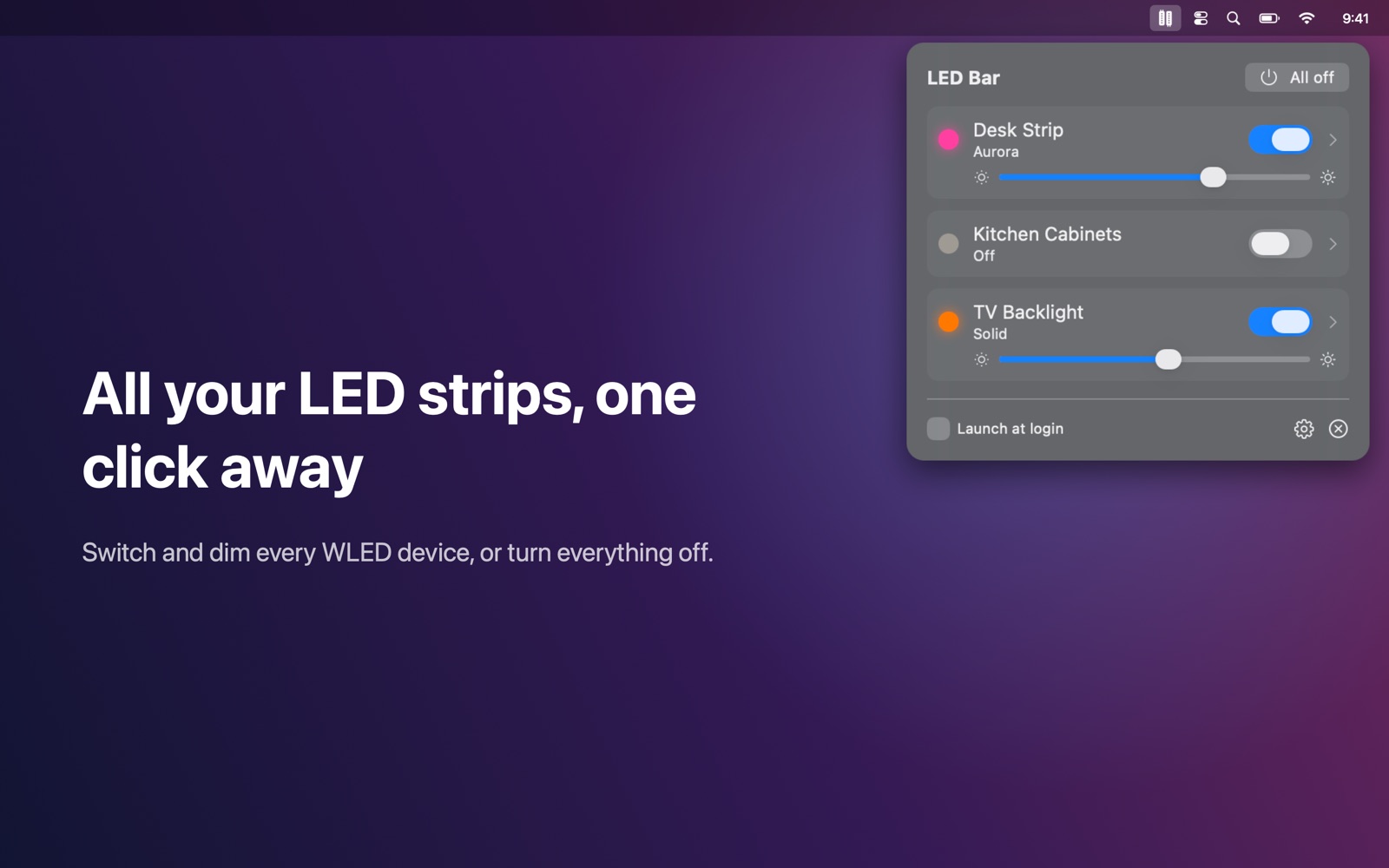
Control your WLED light strips from the Mac menu bar.
Features
- All your WLED devices in one list: switch them on or off and set the brightness in one click
- Colour wheel and quick swatches, with a separate white channel for RGBW strips
- Search all of WLED's effects, tune speed and intensity, and pick a palette
- Your presets and playlists as buttons
- Segments: control parts of a strip separately
- Nightlight: fade to off over 15 minutes to 2 hours
- "All off" and optional groups with a shared switch
- Live: changes made elsewhere (web UI, phone, automations) show up instantly
- Finds devices automatically; add others by IP address
- Works entirely on your local network: no account, no cloud, no tracking
Works with
Works with WLED 0.13 and newer.
Support
Questions, a problem, or a feature request? Email tom@tomfranssen.nl. Please mention your macOS version and your device model, or use “Email support” in the app, which adds a diagnostics report without passwords or keys.
Common questions
Which devices are supported?
LED controllers running WLED 0.13 or newer (the open-source firmware for ESP8266 and ESP32 boards).
The app doesn't find my devices
LED Bar finds devices via Bonjour. Make sure your Mac and the controllers are on the same network and that LED Bar is allowed under System Settings → Privacy & Security → Local Network. You can also add a device by its IP address in the gear (⚙) menu; the WLED app or web interface shows the address.
Will changes made elsewhere show up?
Yes. LED Bar keeps a live connection to each device, so changes from the WLED web interface, your phone or automations show up instantly.
Where do presets and playlists come from?
LED Bar shows the presets and playlists saved on the device. Create or edit them in the WLED web interface.
Can I try it without a WLED device?
Yes. Choose “Try the demo”: three simulated LED strips show every feature.
How do I send diagnostics?
Use “Copy diagnostics” or “Email support” in the gear menu. The report contains no passwords, keys or Wi-Fi network names, and MAC addresses are shortened.